Writing App for Authors: What Actually Matters
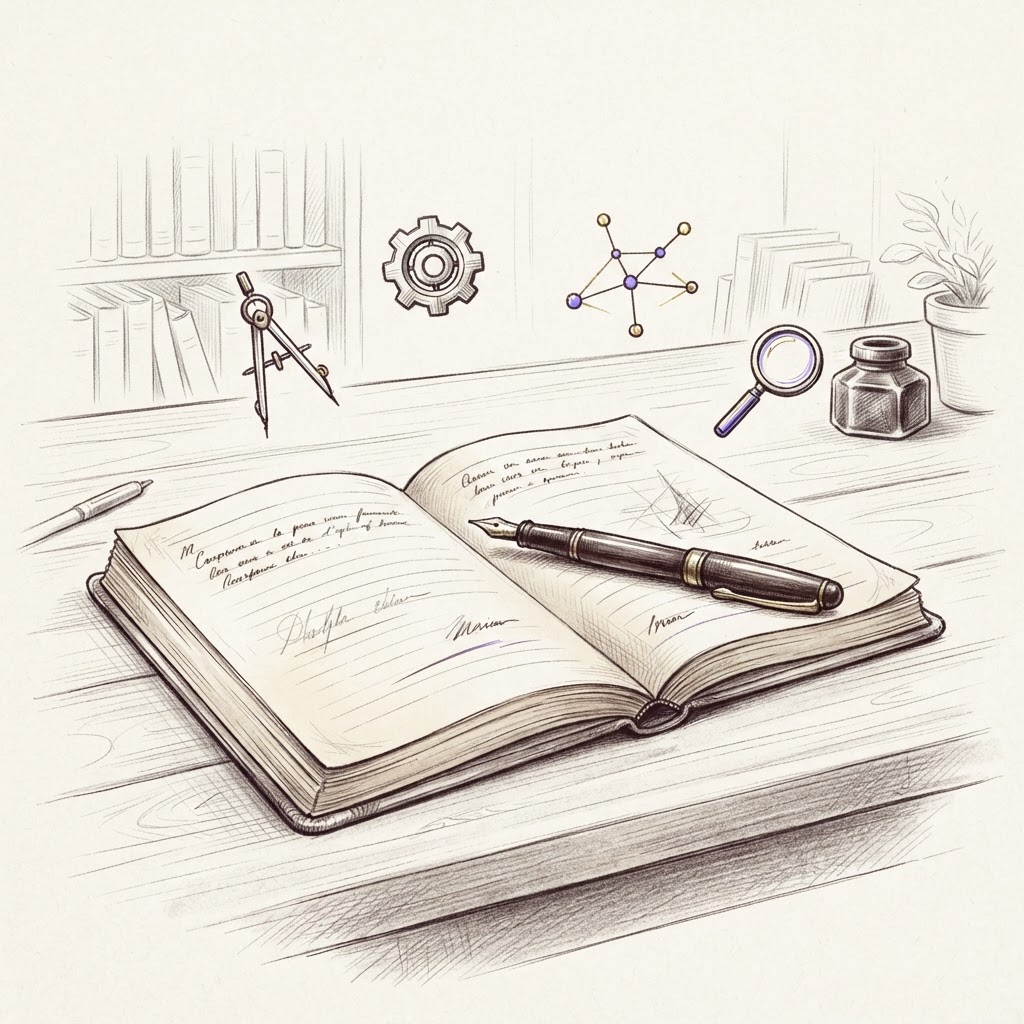
A writing app for authors should do more than provide a blank page. Long-form fiction is a connected system of chapters, characters, locations, decisions, revisions, and deadlines. The right app keeps those parts close without crowding the act of writing.
Essential features for authors
Look for fast chapter navigation, autosave and version recovery, character and location records, story-structure tools, progress tracking, import, and standard exports. A calm focus mode matters just as much as a rich planning view.
Cloud app or desktop software?
Desktop software offers strong offline control. Cloud writing apps make it easier to move between devices and keep one current version. The best choice depends on where you write and how reliable your connection is.
Guidance without ghostwriting
Many AI writing apps focus on producing prose. That can be useful for high-volume workflows, but it can also flatten voice. Sagoræ uses AI as a coach: it reviews what you wrote, checks continuity, and asks structural questions while leaving the manuscript untouched.
A workspace built around the whole novel
Sagoræ connects drafting with a story roadmap, character and location sheets, a visual mind map, statistics, and community feedback. It starts free and grows with the project.
Frequently asked questions
What app do authors use to write books? Writers use everything from Word and Google Docs to Scrivener, Dabble, Atticus, and dedicated platforms such as Sagoræ.
Can I write a whole book on my phone? You can, but long sessions and structural revision remain more comfortable on a larger screen. A responsive cloud app helps with notes and shorter sessions.
✒️ Read next: Free Novel Writing Software: An Honest Comparison (Reedsy Studio, Novlr, Scribbook, WriteControl, bibisco, yWriter, Sagoræ) · Sudowrite Alternative for Writers Who Want to Write Their Own Words · WriteControl Review 2026: Features, Pricing and Who It's For
Write your novel in a real workshop: a focused editor, characters, story structure and AI coaches that guide you without writing for you. Start for free, no commitment.